CV-05DAILY WORKFLOW5 November 20266 MIN
Build a Desk Setup for Focus
Focus is easier to arrange than to will. Fix the screen height, the light, and the reach before blaming your attention span.
Attention is not only a mental resource. Screen height, light direction, and the number of small reaches between you and the keyboard all spend it. A desk setup that removes those frictions leaves more of the day for the work, and it costs less than most productivity software.
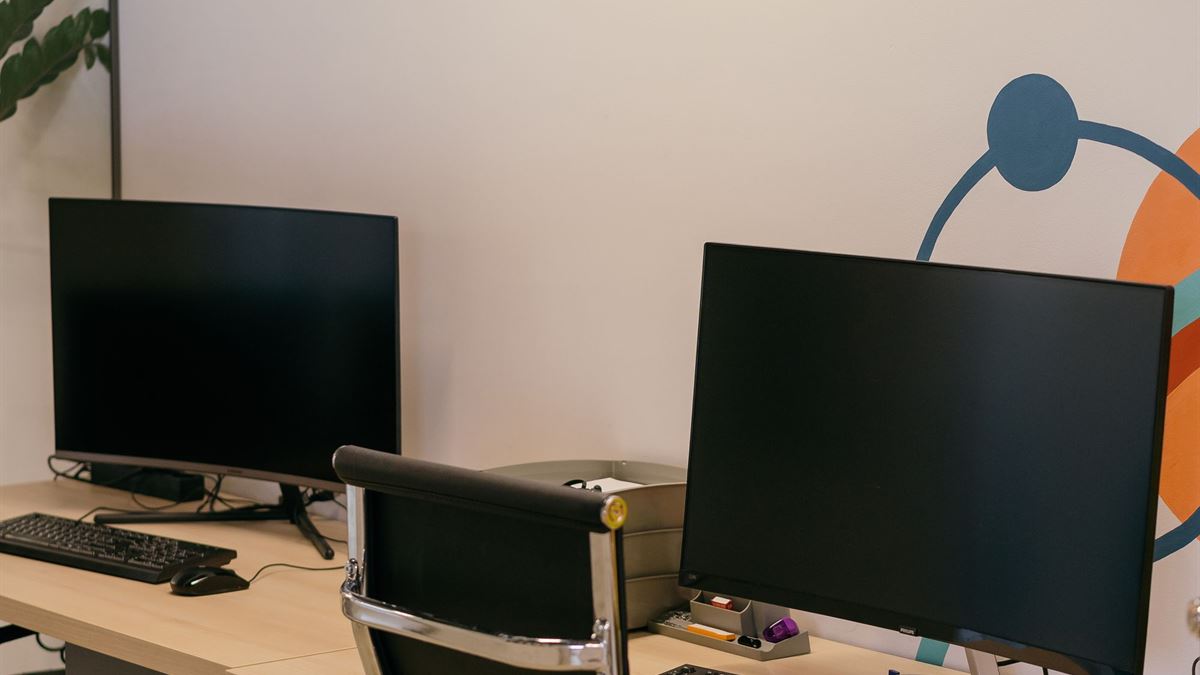
Put the screen at the right height and distance
The top of the screen should sit roughly at eye level, with the monitor about an arm's length away. A laptop on a desk forces the neck down, so raise it on a stand and use an external keyboard and mouse. If you wear glasses, tilt the screen back slightly rather than lowering your head to meet it.
A single large monitor at the correct distance often beats two smaller ones because it keeps the neck centred. If you use two, place the primary screen directly in front and the secondary one to the side that matches your dominant eye, then turn your chair rather than your neck for longer looks.
Set the chair and keyboard for the whole body
Feet flat, knees near a right angle, and the keyboard close enough that the elbows stay near the body. Wrists should float rather than rest on a hard edge. Raise the chair so the elbows sit near desk height, and use a footrest if that leaves your feet dangling.
The mouse belongs beside the keyboard, not across the desk. If your shoulder aches after an hour, the reach is the likely cause. Adjustable arms and a compact keyboard do more for comfort than a more expensive chair with the wrong settings.
Control the light, not just the glare
Place the desk so the window is to the side rather than directly behind or in front of the screen. A lamp with a warm, dimmable bulb reduces the contrast between a bright screen and a dark room. If you work at night, light the wall behind the monitor so your eyes are not adapting between a bright panel and a black room.
Matte screens and a modest brightness setting cut reflections without turning the display into a mirror. The OSHA computer workstation guidance at osha.gov is a useful reference for monitor distance, posture, and lighting.
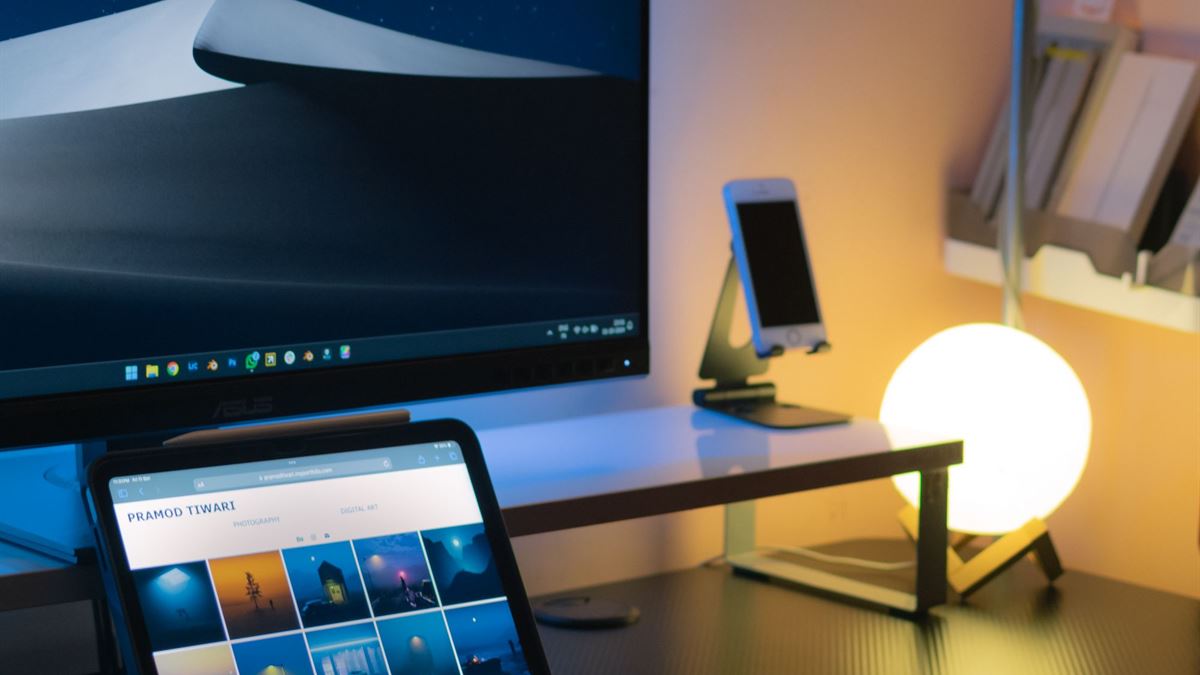
Remove the small interruptions
A desk setup is also a notification setup. Put the phone out of reach or face down, close the messaging app you do not need for the current task, and keep one notebook for the thoughts that arrive mid-work. The goal is not silence but fewer context switches.
Cables are part of the same problem. A tray under the desk, a few velcro ties, and a labelled charger for each device stop the daily hunt. A tidy surface is easier to reset at the end of the day, which makes the next morning start faster.
The setup checklist
- Screen top at eye level, about an arm's length away.
- Chair height set so elbows sit near desk height.
- Feet supported, knees near a right angle.
- Keyboard and mouse within easy reach.
- Window to the side, lamp behind the screen.
- Phone out of reach, cables routed and labelled.
Once the desk works, the next reliability question is the data on it. A one-person routine that runs without reminders is covered in a backup plan for one person.
Change one thing at a time
Do not rebuild the whole desk in a weekend. Raise the screen, then adjust the chair, then fix the light. Give each change a few working days and keep what reduces strain. A desk that fits your body is a set of small measurements, not a shopping list.
CV / FAQ
Frequently Asked Questions
How high should my monitor be?
The top of the screen should be around eye level when you sit upright, with the monitor about an arm length away. Raise a laptop on a stand and use an external keyboard.
Is one large monitor better than two?
Often yes for focused work, because it keeps the neck centred and avoids a bezel gap. Two monitors suit work that needs two full windows side by side, as long as the primary screen is centred.
Where should the desk go relative to a window?
Put the window to your side. Directly behind the screen causes glare, and directly behind you creates a bright background that makes the display hard to read.
Do I need an expensive chair?
Not necessarily. Height, depth, and back support matter more than price. Set the chair so your feet are flat and elbows are near desk height, and add a footrest if needed.