CV-02LAPTOP PICKS16 September 20266 MIN
Buy an Upgradable Laptop, Not a Sealed One
Memory is the first part to feel small and the cheapest to fix, unless it was soldered to the board at the factory.
A laptop with soldered memory is a fixed purchase: whatever the factory installed is the ceiling for the life of the machine. An upgradable laptop is a different product category in practice, because the cheapest way to extend its useful life is a memory kit rather than a new computer. The difference is decided at the spec sheet, long before a screwdriver appears.
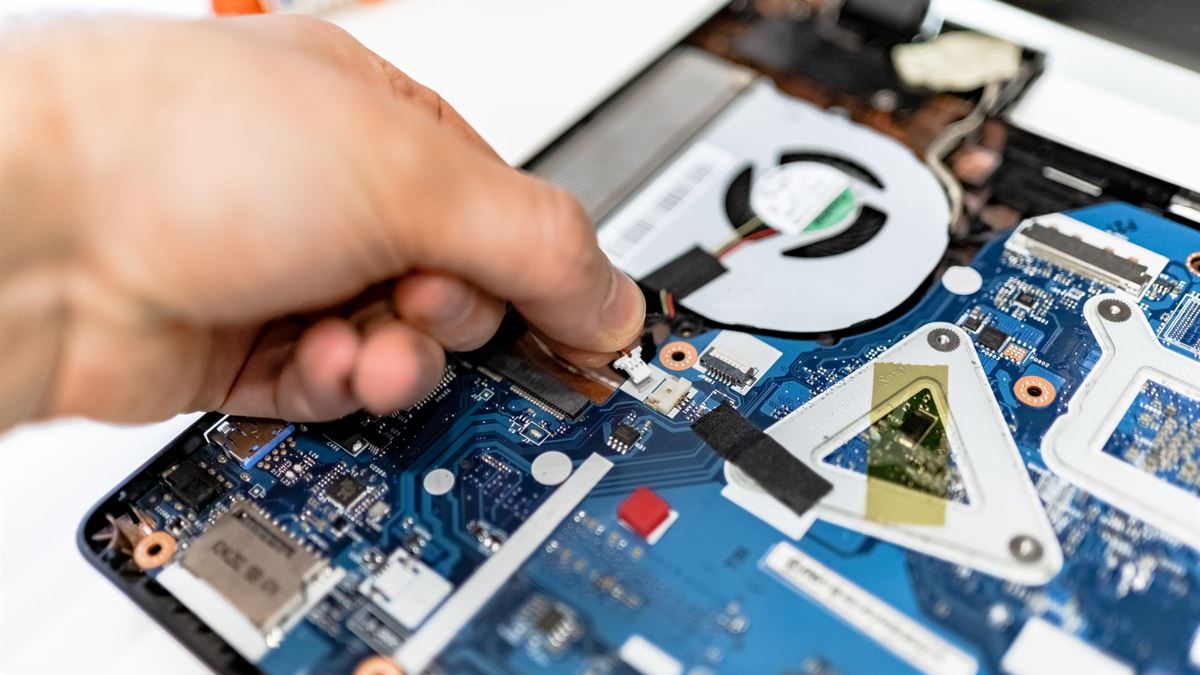
Read the memory line on the spec sheet
Look for the words SO-DIMM, slots, or user-accessible. A listing that says LPDDR5 or LPDDR5X usually means the memory is soldered, because those low-power packages are designed to sit next to the processor. A listing that says DDR5 SO-DIMM with two slots is a machine you can open and change. Manufacturers are not always clear, so check the service manual for the exact model, not just the series name.
The service manual is the honest document. It shows whether the bottom cover comes off with a few screws, whether the memory sits under a shield, and whether the battery has to be disconnected first. If a manual is not published, that is a signal about how serviceable the machine is meant to be.
Count slots and channels, not just gigabytes
Two slots let you keep the memory you have and add a matching module, or replace both with a larger pair. A single-slot machine with 8 GB installed has a lower ceiling and loses dual-channel bandwidth if you add one larger module. Dual-channel matters more than raw capacity for integrated graphics and for ordinary multitasking.
Check the maximum capacity the manufacturer supports, then confirm the module type and speed. A board may accept a faster kit but run it at a lower speed, which is fine; it may also refuse a module with a different voltage or rank, which is not. Match the specification in the manual rather than buying the fastest kit on the shelf.
Verify the warranty before you open the lid
Some manufacturers allow user memory upgrades without affecting the warranty; others require an authorised service centre. Read the warranty terms for your country and keep the original modules. A machine that fails after a self-install can become a dispute, so document the upgrade and use the correct tools.
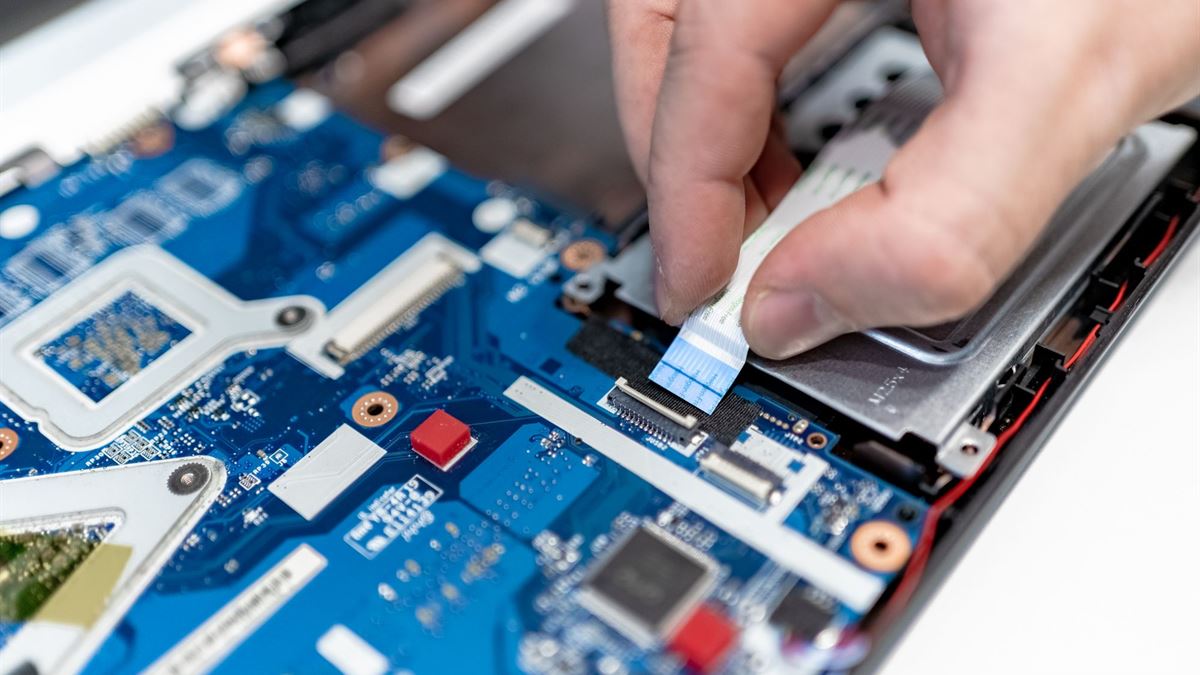
The physical job is small: remove the bottom cover, disconnect the battery, release the retention clips, slide the module in at an angle, and press it flat. Work on a hard surface, touch a grounded metal object first, and do not force a module that does not seat. If the clip resists, the notch is probably misaligned.
Choose the kit that matches the workload
For browsing, documents, and video, 16 GB is a comfortable floor on a machine that will keep its operating system for years. For virtual machines, large photo libraries, or many browser tabs alongside an editor, 32 GB is the safer target if the board supports it. Do not buy capacity the machine cannot address or the workload will never use.
The module generation matters as much as the size. DDR4 and DDR5 SO-DIMMs are not interchangeable, and the notch position differs. Crucial publishes a compatibility checker and background explanations at crucial.com; use it to confirm the part number rather than trusting a marketplace listing.
Check the rest of the upgrade path
- Storage: an accessible M.2 slot makes a later drive swap possible.
- Battery: a replaceable pack extends the machine beyond its first owner.
- Service manual: published instructions show the maker expects repairs.
- Warranty: user upgrades are allowed in writing, not just in forum posts.
- Tools: a plastic pry tool and the correct screwdriver prevent cosmetic damage.
Memory is only one part of the decision. A used machine also needs its battery checked before money changes hands, which we cover in battery health before buying.
Buy for the second owner too
An upgradable laptop keeps its value because the next owner can also improve it. When two models cost the same, choose the one with documented slots, a published manual, and a battery that can be replaced. That combination turns a three-year purchase into a five-year one without changing how the machine is used.
CV / FAQ
Frequently Asked Questions
How can I tell if my laptop has soldered memory?
Look for LPDDR in the specification and check the service manual for memory slots. If the manual shows no SO-DIMM sockets, or the listing says memory is onboard, it is soldered.
Will adding RAM void my warranty?
It depends on the manufacturer and country. Many allow user upgrades, but some require an authorised centre. Read the warranty terms before opening the machine and keep the original modules.
Should I buy one 16 GB module or two 8 GB modules?
Two matched modules usually give better bandwidth through dual-channel operation. One module leaves an empty slot for later, but check whether the machine supports dual-channel with mismatched capacities.
Can I install DDR5 memory in a DDR4 laptop?
No. The modules are keyed differently and the slot does not accept the other generation. Confirm the memory type and speed in the service manual before ordering.