CV-05DAILY WORKFLOW29 October 20267 MIN
A Backup Plan for One Person
A backup you have never restored is a rumour. This routine fits on one page and runs without a reminder.
A backup plan for one person has to survive the same week as everything else, so it needs to be boring and automatic. The classic 3-2-1 rule is still the right shape: three copies of the data, on two kinds of media, with one copy offsite. The hard part is what counts as a copy and how you know it can be restored.
Decide what is actually irreplaceable
Start with documents, photos, personal records, project files, and the export of your password manager. Applications can be reinstalled and operating systems can be downloaded again; a decade of family photos cannot. Write the list down, because a backup that covers only the folder you remembered is a partial backup.
Cloud sync is not the same as backup. Syncing mirrors a deletion or a ransomware encryption to every device within seconds. Keep a separate copy that the working computer cannot reach, on a schedule or on a drive you connect only to copy.
Make two local copies on different media
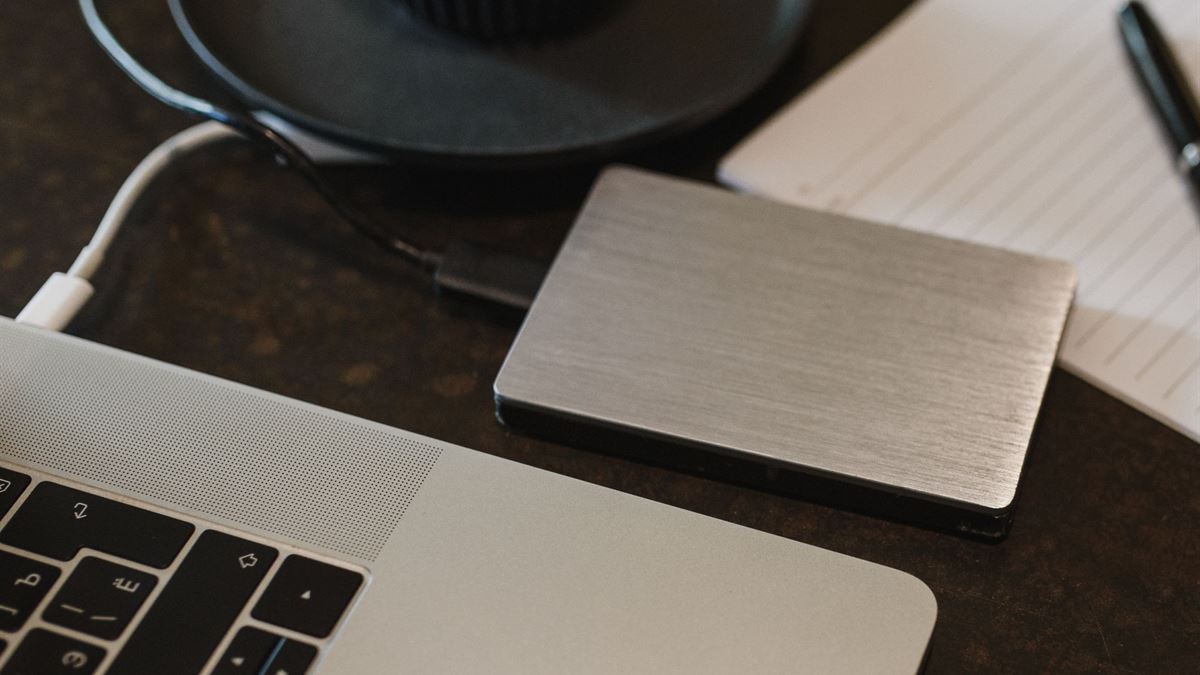
One copy goes to an external drive connected to the computer for scheduled runs. A second goes to a different drive or a different machine, ideally kept disconnected except during the copy. Two copies on the same failing drive are one copy with extra steps.
Versioning matters as much as duplication. A backup that overwrites yesterday's file with today's corrupted version preserves the corruption. Use software that keeps several versions or snapshots, so a mistake discovered on Thursday can still be undone.
Put one copy physically elsewhere
The offsite copy is what survives fire, theft, and a spilled drink that takes out the desk. A drive at a relative's house, a safe deposit box, or an encrypted cloud archive all qualify. Rotate it on a calendar you will actually keep, such as the first weekend of the month.
Encrypt anything that leaves the building. Most backup tools support an encrypted archive; store the passphrase somewhere separate from the drive, ideally on paper with your recovery documents. The CISA secure-our-world campaign at cisa.gov covers the basics of protecting data and accounts, including why an offline copy matters.

Test a restore, not just a backup
Once a quarter, pick two files at random and restore them to a folder. Confirm they open and match. Once a year, try a larger restore, such as a photo folder, to a spare drive. Write the restore steps on the same page as the schedule, so a tired version of you can follow them.
If a backup job reports success but the archive is empty, the test is what catches it. Restore testing turns a backup plan into a verified one.
The one-page routine
- Daily or weekly: automatic copy to the connected external drive, with versions.
- Weekly or monthly: copy to a second drive kept disconnected.
- Monthly: rotate the offsite drive or upload the encrypted archive.
- Quarterly: restore two random files and check they open.
- Yearly: full restore to spare hardware and review the data list.
The routine is deliberately small. A plan with four steps that runs is better than a plan with twenty that gets postponed. The desk where it happens should also be set up to make the routine easy, which is the subject of our guide on a desk setup for focus.
When the computer dies
Keep a written note of the software you need to reinstall and where the licence keys live. With the data safe, a dead machine becomes a shopping decision rather than a loss. That is the whole point of the exercise: the hardware is replaceable, the files are not.
CV / FAQ
Frequently Asked Questions
Is cloud storage a backup?
Not on its own. Sync mirrors deletions and encryption to every device. Use cloud storage as one offsite copy with version history, and keep another copy the working computer cannot change.
How often should I back up?
Match the schedule to how much work you can afford to lose. Daily automatic copies for active documents, plus a weekly or monthly offsite rotation, cover most personal use.
Do I need to encrypt my backup drive?
Encrypt any drive that leaves your home. Losing an unencrypted drive exposes everything on it, while an encrypted archive needs the passphrase you stored separately.
How do I know the backup actually works?
Restore files from it on a schedule. Pick random files quarterly and a larger folder yearly, and confirm they open. A backup that has never been restored is unverified.