CV-01RIG ASSEMBLY2 September 20267 MIN
How to Match a CPU to a Motherboard
A processor and a board are two halves of one decision. Check the socket, the chipset, the BIOS, and the memory before the cart fills up.
The fastest way to waste money on a build is to match a CPU to a motherboard by brand alone. Two processors from the same family can need different sockets, and two boards with the same socket can support different chipsets, memory types, and BIOS versions. The fix is a short sequence of checks that takes less time than returning an order.
Read the socket before the spec sheet
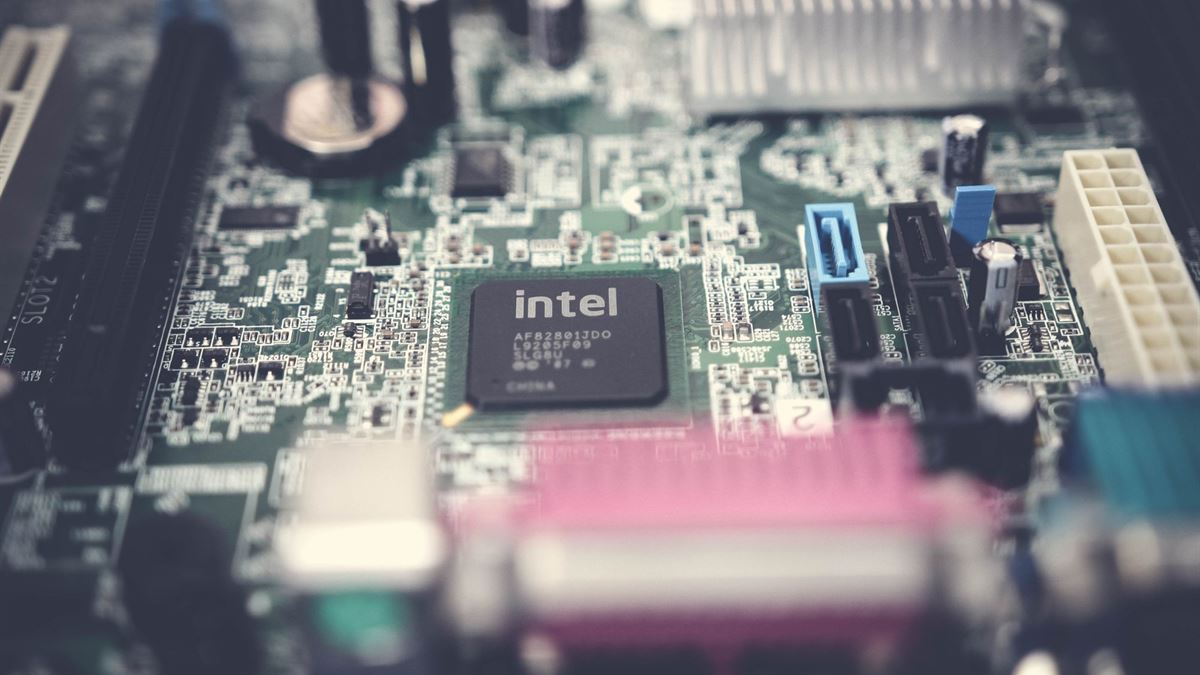
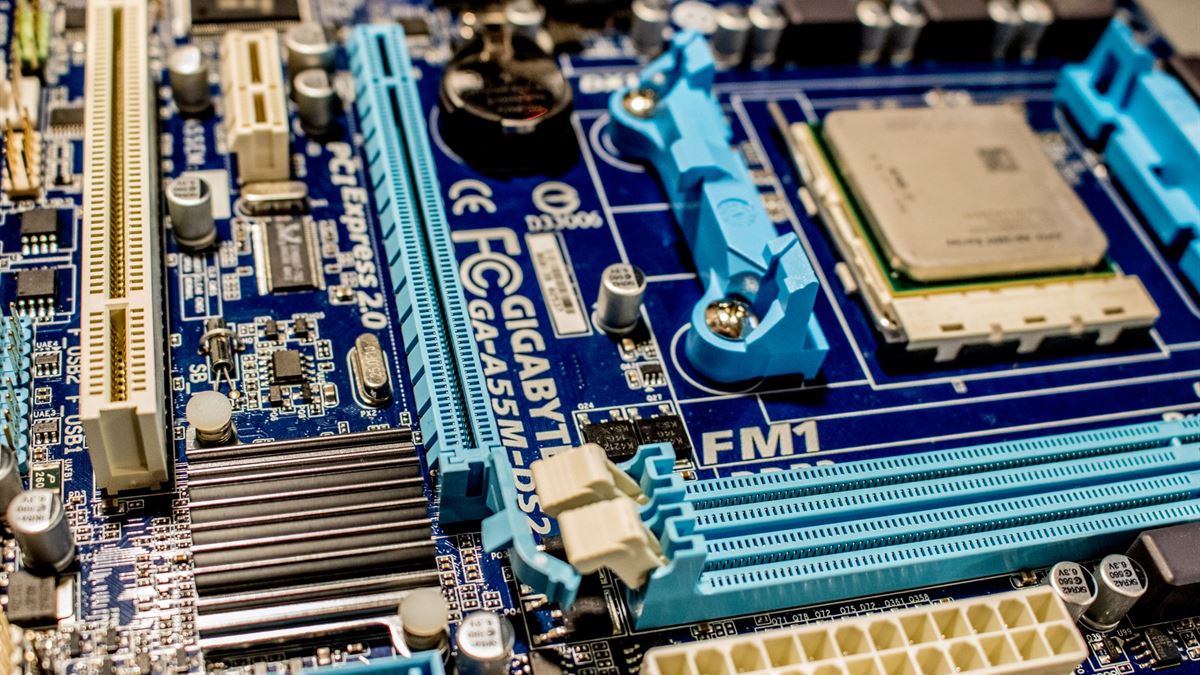
The socket is the physical interface, and it is either identical or it is not. Desktop Intel chips in the current generation use LGA1700, while AMD Ryzen desktop chips use AM5. A board sold as LGA1700 will not accept an AM5 processor, no matter what the marketing page implies. LGA means the pins are in the socket; AM5 is also a land grid array, so bent pins are a board problem, not a chip problem.
Check the socket string on both product pages and make sure the numbers and letters match exactly. Then check the supported CPU list published by the board maker. That list is more reliable than a compatibility filter on a retailer site, because it reflects the BIOS revisions the board has shipped with.
Check the chipset for the ports you need
The chipset decides how many USB ports, PCIe lanes, and storage connections the board can offer, and whether overclocking is available. On the Intel side, a B-series board covers most builds; a Z-series board adds overclocking and more lanes. On AMD, B-series boards cover the mainstream, and X-series boards add connectivity and overclocking headroom.
Start from the ports you actually use. Count the USB ports on the back panel, the number of M.2 slots you want, and whether you need Wi-Fi built in. A cheaper chipset with the right ports is a better buy than an expensive board whose extra lanes stay empty.
Confirm BIOS support for the exact model
A board can share a socket with a processor and still fail to boot it, because the installed BIOS predates that CPU. Manufacturers publish a CPU support list with the minimum BIOS version for each model. If your processor needs a newer version, the board has to be updated first, and that may require an older compatible CPU.
Some boards include a USB BIOS flash button that updates firmware without a processor installed. If you are buying a newly released chip and an older board, that feature is worth paying for. Otherwise, buy a board that lists your processor as supported out of the box.
Match memory generation and cooler height
Socket compatibility says nothing about memory. A board designed for DDR5 will not take DDR4 modules, and the two are keyed differently for a reason. Confirm the memory type, the number of slots, and the maximum capacity the board lists before you choose a kit.
Then look at the space around the socket. Large air coolers can block the first memory slot or foul the rear fan, and some coolers ship without a mounting bracket for a new socket. Check the cooler's socket support and its height against the case clearance. A build that fits on paper can still fail at the last screw.
How to match a CPU to a motherboard in four checks
- Socket string: identical on the processor and the board.
- Chipset: enough USB, M.2, and PCIe connections for the parts you own.
- BIOS: your exact CPU model appears on the board maker's support list.
- Memory and clearance: correct DDR generation, plus room for the cooler.
Write the four answers down before you order. If any line is uncertain, the build is not ready. Once the platform is fixed, the next decision is power: a board and processor that fit still need a supply sized for the whole machine, which we cover in power supply headroom.
Buy the board for the processor you will keep
Boards outlive processors more often than processors outlive boards. If you plan to drop in a newer chip later, check the manufacturer's roadmap for the socket and choose a board with the firmware features that make an update possible. AMD publishes socket and chipset details for its current desktop platform at amd.com, and the same information appears on every board maker's support page.
The rule that survives every generation is simple: verify the interface, verify the firmware, then verify the space. Everything else is preference.
CV / FAQ
Frequently Asked Questions
Can I install an Intel processor in an AMD motherboard?
No. The socket and the mounting hardware are physically different. A processor only fits the socket family it was designed for, and forcing it will damage both parts.
How do I know which BIOS version a board ships with?
You usually cannot know from the box. Check the board maker support page for the CPU support list, and prefer a board that lists your processor from its first BIOS release or offers USB BIOS flash without a CPU.
Does a cheaper chipset limit processor performance?
Not for everyday work. Chipsets mainly change connectivity, overclocking support, and lane counts. A B-series board can run a mainstream processor at full speed if its power delivery and cooling are adequate.
Is a stock cooler enough for a new processor?
It depends on the model and the case airflow. Check the processor box contents and the manufacturer power rating; if the cooler is not included, budget for one that supports the socket and fits the case.